
USB-A and USB-C Wall Sockets: What to Check Before Buying
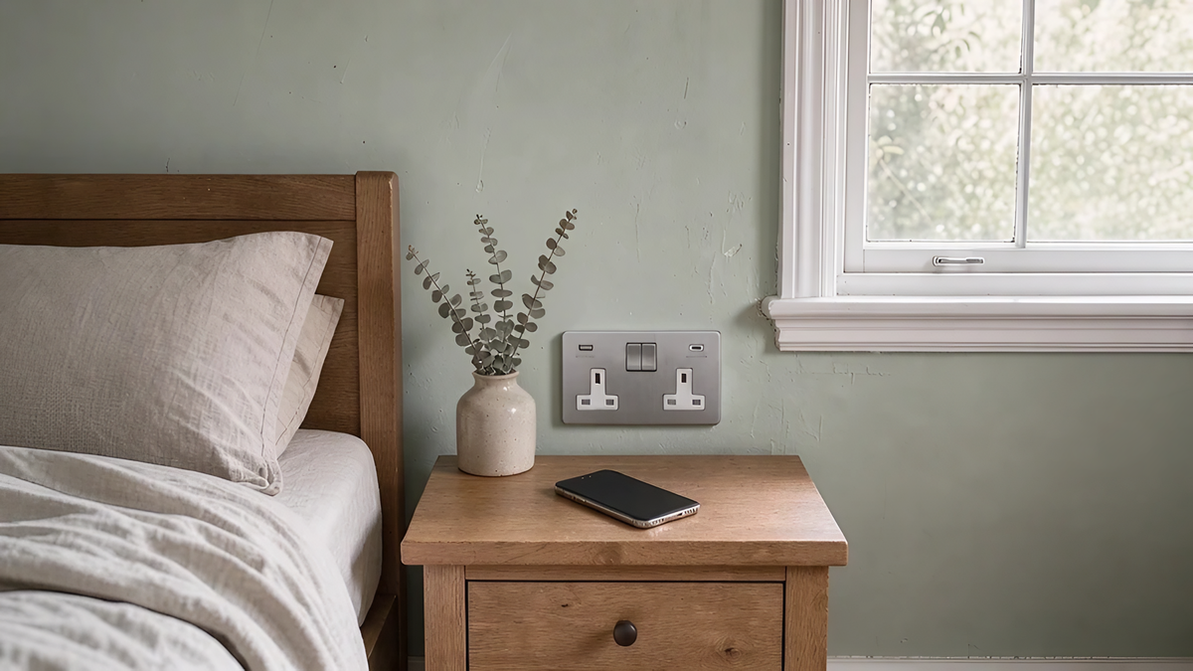
USB wall sockets make everyday charging more convenient. Instead of reaching for a plug-in adaptor whenever you need to charge a phone or tablet, you can connect the cable directly to the wall with one of our double sockets with USB charging. They’re particularly useful beside a bed, at a desk or wherever charging devices have become part of the daily routine.
However, sockets that look almost identical can deliver very different charging performance. Choosing the right one involves more than deciding between USB-A and USB-C. The available power, what happens when two devices are connected, and the type of fitting all affect how well it will meet your needs.
Understanding those differences before buying can help you avoid paying for features you won’t use or installing a socket that doesn’t provide the charging performance you expected.
Key Points
The best USB wall socket depends on the devices you use, how you charge them and where the socket will be installed. A few distinctions are particularly important.
- Mixed USB-A and USB-C sockets remain a practical choice. Among Arrow Electricals customers, these are still more commonly purchased than dual USB-C options, particularly where older and newer charging cables are used together.
- USB-C doesn’t automatically mean faster charging. The socket’s power rating, supported charging protocols, cable and connected device all affect performance.
- Maximum charging power isn’t always available to both ports. Some chargers reduce or redistribute their output when two devices are connected.
- Double mains sockets and Euro charging modules are different products. One combines conventional plug outlets with USB charging, while the other provides a dedicated modular charging point.
- Installation compatibility matters. The exact mounting requirements and available space should be checked before ordering.
USB-A and USB-C: Which Port Combination Do You Need?
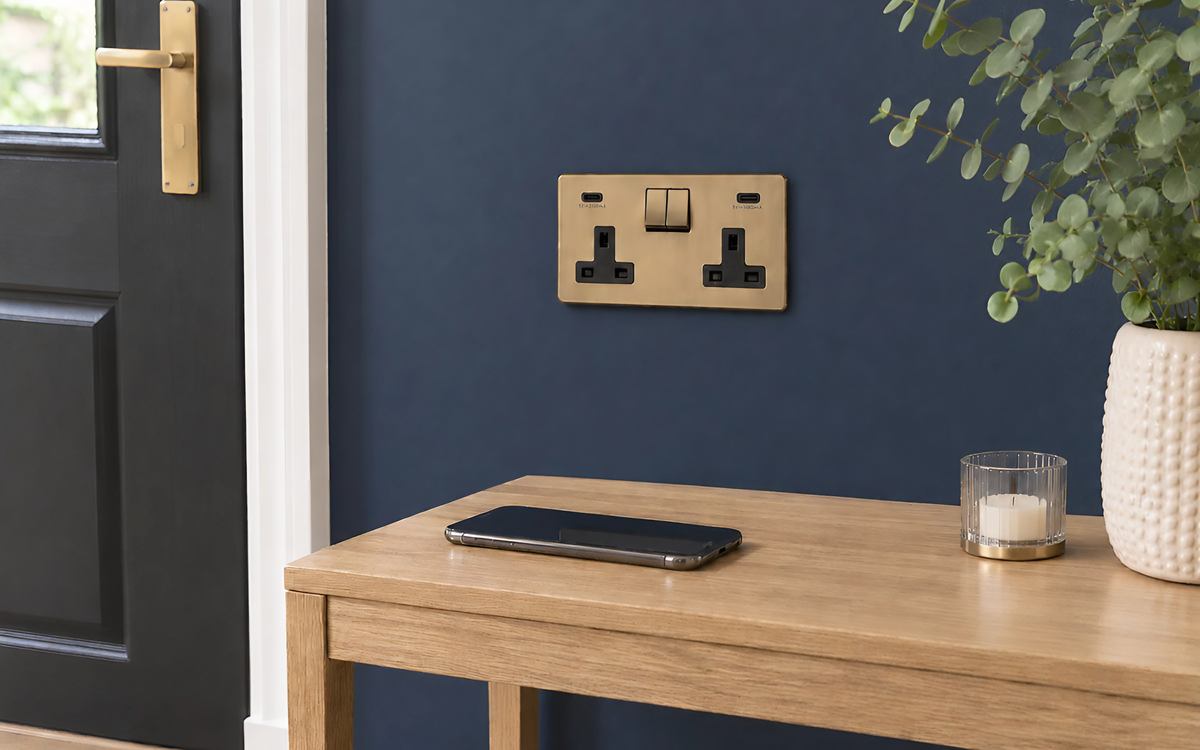
Choosing between USB-A + USB-C and dual USB-C is primarily a question of which cables you already use. Both arrangements have advantages, and neither is automatically the better option for every household.
USB-A + USB-C: flexibility for mixed devices
USB-A is the familiar rectangular connection used by many existing charging cables. USB-C is smaller, reversible and increasingly common on phones, tablets and other portable devices. A socket with one of each accommodates both connections without requiring you to replace perfectly usable charging cables.
This can be particularly useful in a household where newer phones charge through USB-C, while headphones, speakers or older accessories still use USB-A cables. A mixed-port socket is therefore a sensible choice when convenience and backwards compatibility matter more than having two identical connections.
There are also double sockets with USB-A and USB-C available in different finishes and configurations, allowing the port arrangement to be considered alongside the room’s existing electrical accessories.
When dual USB-C makes more sense
If most of your devices already use USB-C-to-USB-C cables, two USB-C ports may be more convenient. This can suit households upgrading their charging equipment or planning new interiors around more recent devices.
However, two USB-C connections don’t automatically mean that both can charge high-power devices simultaneously. Their performance depends on the charger behind the ports, not simply the connector shape. That becomes particularly important when considering laptops, tablets and other equipment with higher charging requirements.
What Do 22W, 45W and 67W Mean for Charging?
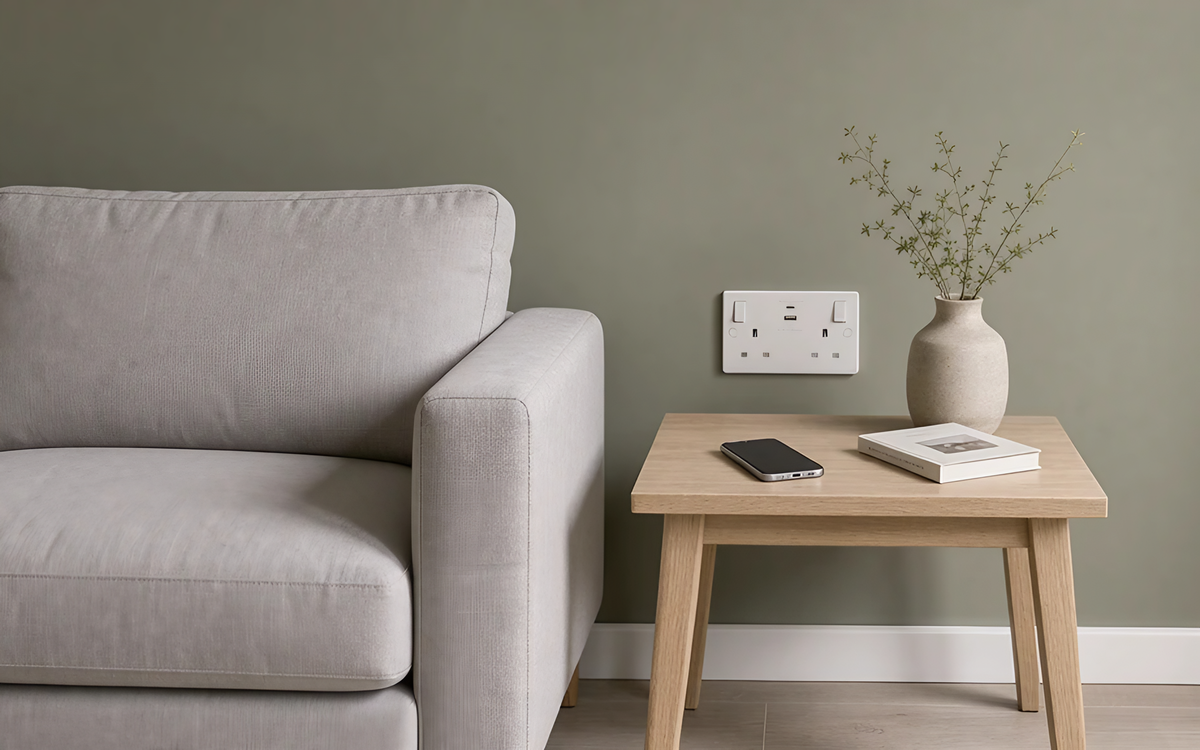
Charging power is an important specification, but one that is easily overlooked.
A recurring observation from the sales floor is that customers often choose USB sockets based on their appearance and port arrangement without asking how much charging power they provide. That matters because two otherwise similar products may perform very differently.
Watts (W) measure electrical power. A charger capable of delivering more power may charge a compatible device more quickly, but only if the device and cable support the available output. For example, a phone designed to draw a relatively modest charging input won’t necessarily charge faster simply because it’s connected to a 67W charger rather than a 22W model.
USB Power Delivery and PPS explained
USB Power Delivery (USB PD) is a charging system that allows compatible chargers and connected devices to negotiate a suitable power level. Some products also support Programmable Power Supply (PPS), which allows compatible devices to request more finely adjusted voltage and current during charging.
These features can improve charging flexibility, particularly for devices with different power requirements. However, the presence of a USB-C port doesn’t automatically establish support for USB PD or PPS. Those capabilities need to be confirmed in the product specification.
Comparing three charging options
The differences become clearer when comparing products with different output ratings and fitting formats.
| Product | USB connections | Maximum advertised USB output | Important consideration |
| BG Nexus 22W | USB-A + USB-C on a double 13A mains socket | 22W | Mixed-port charging alongside two conventional mains outlets. |
| BG Nexus 45W | USB-A + USB-C on a double 13A mains socket | 45W | Higher-rated charging output, shared across the USB connections. |
| EM67 dual USB-C module | Two USB-C ports in a Euro charging module | 67W with one port in use | When both ports are occupied, total available output falls to 18W shared. |
The BG models combine conventional mains outlets with USB charging. The EM67 is a dedicated charging module designed for a compatible Euro plate. They illustrate why advertised wattage should be considered alongside the product format and intended use, rather than treated as the only measure of suitability.
What Happens When Two Devices Charge at Once?
One of the most easily misunderstood aspects of multi-port charging is how the available power changes when a second device is connected.
Some chargers redistribute their output between ports. Others switch to a different output arrangement that provides considerably less combined power.
A useful example: the EM67 dual USB-C module
The EM67 demonstrates how significant that difference can be.
According to its technical manual, the module supports up to 67W when one USB-C port is in use, using USB Power Delivery 3.0 with PPS. When both ports are occupied, however, the specified output changes to 5V at 3.6A, providing 18W in total across the two connections.
That is 18W shared between both devices, not 18W available independently from each port.
Consider someone who wants to charge a laptop and phone at the same time. A module capable of supplying sufficient power to the laptop when used alone may no longer meet that laptop’s charging requirements once a second device is connected.
This doesn’t make the module unsuitable. It simply means its charging behaviour needs to match how it will actually be used.
Other multi-port chargers have different power-sharing arrangements. For example, BG confirms that the output of its Nexus 45W model is shared across its USB-A and USB-C connections, but it does not follow the EM67’s particular specification.
Where simultaneous charging matters, the manufacturer’s individual-port and combined-output information is more useful than the largest wattage stated in the product description.
Double USB Mains Sockets or Euro Charging Modules?
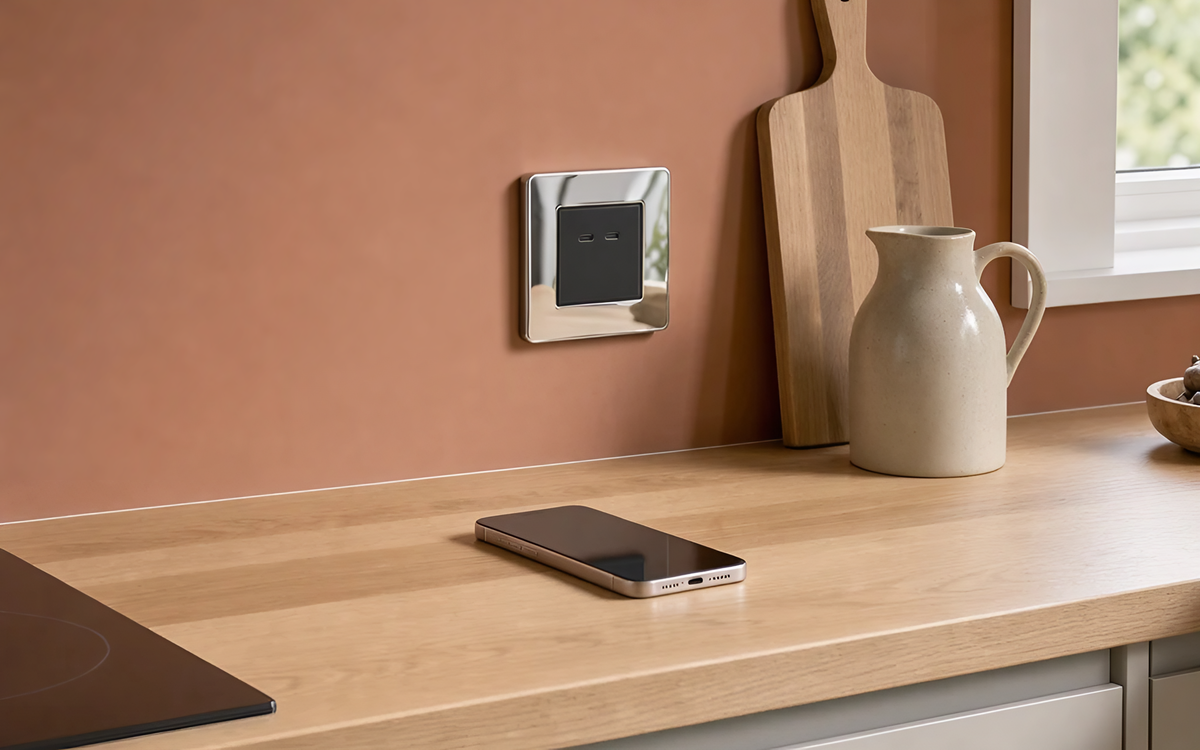
Although both can provide convenient USB charging, these products serve different purposes.
A UK double mains socket with integrated USB ports retains two conventional 13A outlets. It allows you to charge portable devices directly while keeping the mains outlets available for lamps, computers or other electrical equipment.
A Euro charging module is a separate component designed to fit into a compatible modular wall plate. It provides a dedicated charging position rather than adding USB functionality to an existing pair of mains outlets.
This distinction matters when planning a room. If the position needs to accommodate ordinary plugs as well as USB charging, a double socket with integrated USB ports may be more convenient. Where a dedicated charging point is being planned, a suitable Euro module can offer greater flexibility in how the charging arrangement is configured.
A consideration for hotels and guest accommodation
Higher-power charging is one of the requirements raised in some hotel enquiries handled by the Arrow team, with the EM67 among the options recommended for suitable installations.
Guest rooms present a slightly different challenge from private homes. Visitors may arrive with different cables, phones, tablets or laptops, and two people may need to charge devices simultaneously.
The choice therefore involves balancing port compatibility, available power and accessibility. A higher single-port wattage isn’t necessarily the most useful specification if guests are more likely to connect several devices at once.
Where Are USB Wall Sockets Most Useful?
The most useful positions are generally those where charging already happens regularly. Rather than adding USB ports throughout a property, it makes sense to consider where they will genuinely improve convenience.
Bedrooms and bedside charging
A double mains socket with integrated USB ports can provide connections for charging devices while retaining plug outlets for bedside lamps or other equipment.
Position matters. Charging cables should reach comfortably without stretching across furniture, and the socket needs to remain accessible once the bed and bedside tables are in place. In shared bedrooms, think about whether both people are likely to charge devices overnight and which cables they use.
Kitchens and family spaces
A dedicated charging point can be useful for phones and tablets, particularly where kitchen worktops are already occupied by appliances. It can help keep the conventional mains outlets available without requiring additional plug-in chargers.
However, location is important. A competent electrician should assess the proposed position in relation to nearby fixtures, environmental conditions and applicable electrical requirements.
Home offices and workspaces
Workspaces often contain several rechargeable devices, including phones, headphones, tablets and laptops. For smaller accessories, built-in USB charging can reduce the number of adaptors needed around a desk.
Laptop charging requires more careful consideration because different models have different power requirements. If you regularly move between workspaces or need higher-power charging for several devices, a separate compatible charger may offer greater flexibility than a fixed wall socket.
What Should You Check Before Buying?
The charging specification is only part of the decision. A suitable socket must also fit the intended installation and work with the devices you want to connect.
Mounting-box depth and plate compatibility
The appearance of a socket’s front plate doesn’t tell you how much space it requires behind the wall. Different models have different mounting requirements, particularly where charging electronics are incorporated into the fitting.
For example, BG specifies a minimum 25mm mounting-box depth for its Nexus 45W double socket. That figure applies to that particular model and should not be treated as a universal requirement for USB sockets.
The EM67 technical manual specifies an overall module depth of 36mm, with 27mm extending behind the plate. Those are the module’s dimensions, not confirmation that it will fit every mounting box or Euro plate arrangement.
The exact product code, plate compatibility and installation instructions should therefore be checked before ordering. Any replacement or alteration involving fixed mains wiring should be assessed and carried out by a competent electrician.
Device and cable compatibility
The charging cable also forms part of the system.
Although two cables may have identical USB-C connectors, they don’t necessarily support the same charging power or capabilities. The connected device must also support the charger’s output and charging protocol.
For higher-power equipment, particularly laptops, checking all three components (charger, cable and device) is more reliable than choosing a socket based solely on its advertised maximum wattage.
Frequently Asked Questions
A few additional questions are worth considering when comparing USB charging products. These details may not affect every purchase, but they can make a difference in particular situations.
Can any USB-C cable support high-power charging?
No. USB-C cables can have different power-handling capabilities, even when their connectors look identical.
Choose a cable rated for the power required by the device and supported by the charger. For higher-power devices, check the cable’s stated specifications rather than assuming that any USB-C cable will perform equally well.
Do USB wall chargers use electricity when nothing is connected?
Some use a small amount of standby power even when no device is being charged. For example, the EM67 technical manual specifies no-load consumption of 0.18W. Other products may have different standby characteristics, so the figure should not be assumed to apply to every USB wall socket.
Can a separate plug-in charger be a better choice?
Yes, particularly where charging requirements change frequently or a device needs a specialist or higher-power charger. A plug-in charger can be replaced, upgraded or taken elsewhere without altering the fixed electrical installation.
Built-in USB charging is useful for convenience, but it doesn’t necessarily replace every dedicated charger you may need.
Choosing the Right USB Wall Socket
The best USB wall socket is the one that suits the devices you own and the way you use them. Mixed USB-A and USB-C sockets remain useful where older charging cables are still in use, while dual USB-C arrangements can suit households whose devices already share that connection.
Charging power deserves equal attention, particularly if more than one device will be connected at the same time. Once you’ve established the right port arrangement, charging capacity and installation requirements, choosing the finish and style becomes a much simpler decision.
Recent Posts
-

USB-A and USB-C Wall Sockets: What to Check Before Buying
USB wall sockets make everyday charging more convenient. Instead of reaching for a plug-in adaptor w …20th Nov 2026 -

Antique Brass Downlights: Where They Work and How to Choose the Right Finish
A recessed downlight may be small, but its finish can make a noticeable difference when you install …13th Nov 2026 -

Screwless & Flat Plate Switches: What to Check Before You Choose
A new switch plate can look perfect in a photograph but turn out to be wrong for the wall it’s goin …31st Oct 2026