
Switches and Sockets for Renovations: Layout, Finish and Function (Without Regrets)
Switches and sockets are the renovation choices you’ll notice every day. When they’re well planned, they disappear into the room and make life easier. When they’re planned badly, they create daily friction: extension leads, awkward lamp placement, charging clutter, and lights that don’t behave the way you expected.
At Arrow Electrical, we recommend approaching switches and sockets the same way you approach lighting: plan how you live first, then choose a finish and feature set that supports that reality.
The reason this matters is that most “socket regret” isn’t about style, it’s about scenarios. Where you actually sit, where you actually charge, which corners become work zones, and which lights you want to soften at night.
This guide is designed to help you make those decisions calmly, before any work begins.
Key takeaways
This guide is designed to help you plan the essentials quickly and avoid the most common renovation mistakes. If you want a clear starting point, use the takeaways below.
- Plan the socket and switch layout first, then choose finishes and features.
- Think in terms of real-life scenarios, furniture placement, charging needs, cleaning, and day-to-day use.
- If dimming is part of the plan, choose LED-compatible dimmers and avoid last-minute guesses.
- USB sockets can reduce clutter, but choose the right type for how you actually charge devices.
The three renovation decisions that matter most
Most switch and socket regret comes from decisions made too late, when walls are already being chased, and layouts are “locked”. This section breaks the job into three choices so you can plan quickly and avoid the common mistakes.
Most renovation regret comes from three areas.
Layout is the practical one: sockets and switching points end up in the wrong places, and the room never quite works the way you intended.
Finish is the visual one: a style that doesn’t suit the room, or a finish that constantly shows fingerprints.
Function is the long-term one: missing features you need every day, or adding features you don’t actually use.
A smart default is to choose one consistent family of plates and finishes early, then apply it room by room.
Plan layout first: the room-by-room approach
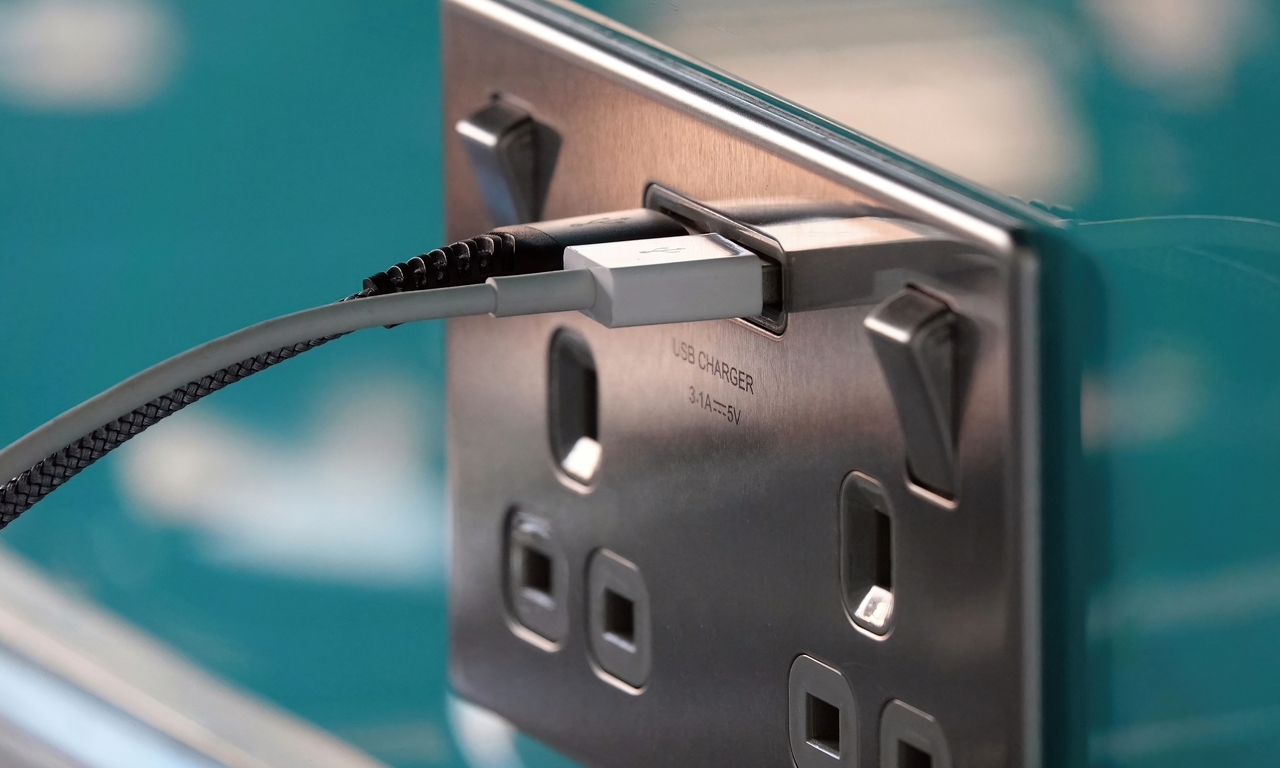
The right layout is the one that matches real life: where you sit, where you charge, and where devices actually live. These room-by-room prompts help you plan sockets and switching points without overthinking it.
Kitchen
Kitchen sockets fail when they are planned around empty walls instead of real worktops. Plan sockets for actual prep zones and consider how you’ll power small appliances without trailing leads.
If you want to browse options while planning, explore our sockets range
Living room
Think about how you actually use the room: TV, streaming box, router, floor lamps, and charging. A good plan prevents the “one socket behind the sofa” problem and makes the room easier to live in.
Bedroom
Bedside charging is a quality-of-life upgrade. Plan for both sides if applicable, and consider whether you want dimming for a softer evening feel.
Hallway and landing
Two-way switching is one of the simplest comfort upgrades, especially on stairs and landings. Add a socket for vacuuming and seasonal lighting so you’re not relying on adaptors.
Home office
Most home offices end up under-socketed. Plan for monitors, chargers, desk lamp, printer, and a buffer for future kit.
Choosing finishes that live well day-to-day
Finish is where style meets practicality, and the wrong finish can be annoying in day-to-day use. This section helps you choose a look that suits the room and stays looking good.
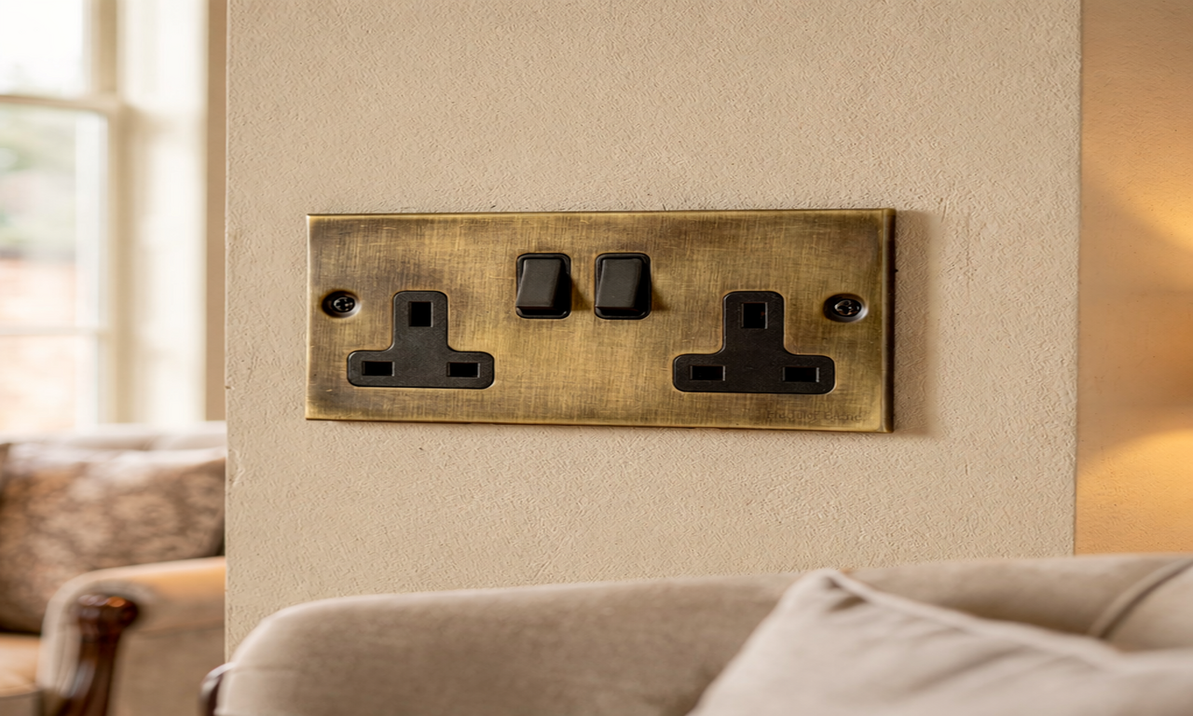
Finishes should match the room’s job, not just a mood board. High shine looks sharp, but often shows fingerprints. Brushed finishes tend to be more forgiving. Dark finishes can look dramatic, but may show dust.
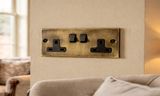
Example finish: Elite Flat Plate double socket in satin brass (black trim)
Because crossover with Heritage Brass is fine, you can treat visible plates and hardware as part of a single “detail story” across the home.
Dimmers: avoiding LED flicker
Dimming is a high-impact upgrade when it’s planned properly, and a frustrating one when it’s guessed. Here’s how to think about dimming early so the lighting behaves the way you expect.
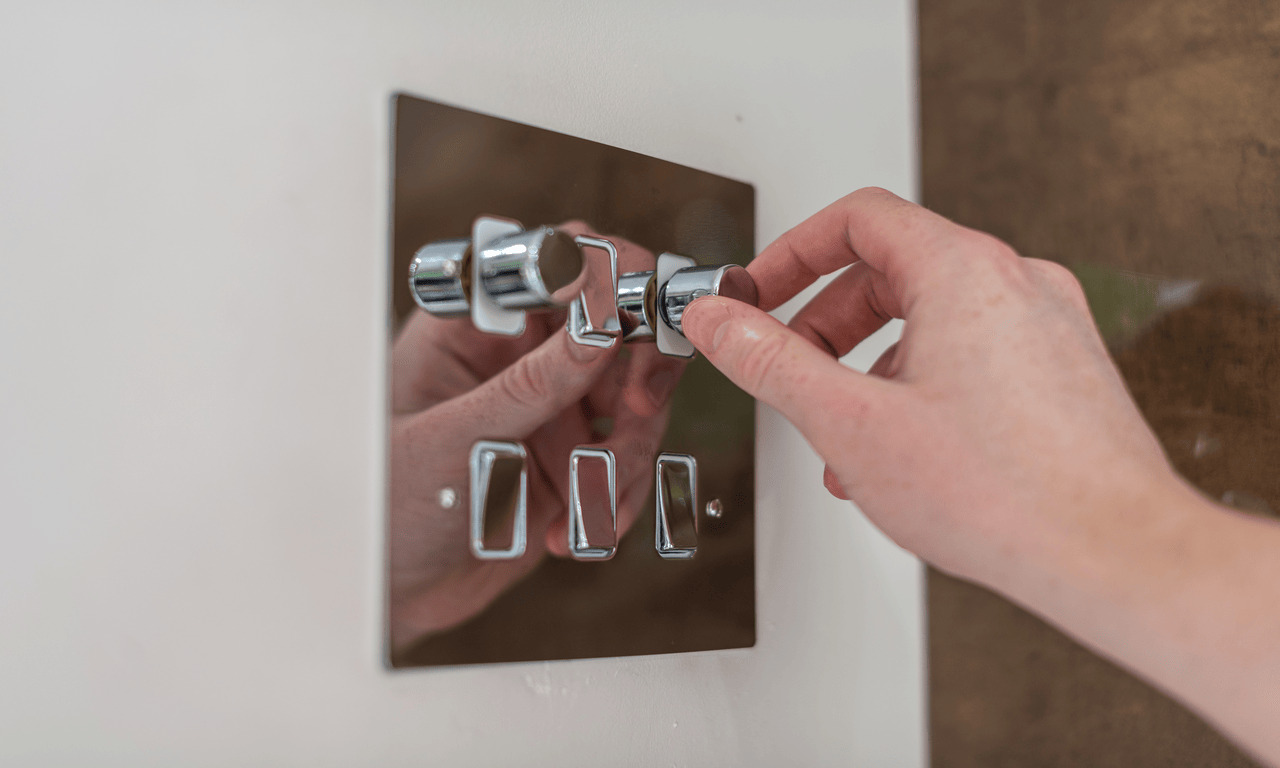
Dimming is one of the most useful upgrades in a renovation, but only when compatibility is handled properly. A smart default is to choose an LED-compatible dimmer and avoid mixing incompatible fittings and drivers on the same circuit.
If you want to compare options, you can discover our dimmers range here: Discover our dimmers range
Example product: Vintage range 2-gang LED dimmer (gloss white)
USB sockets: what to consider
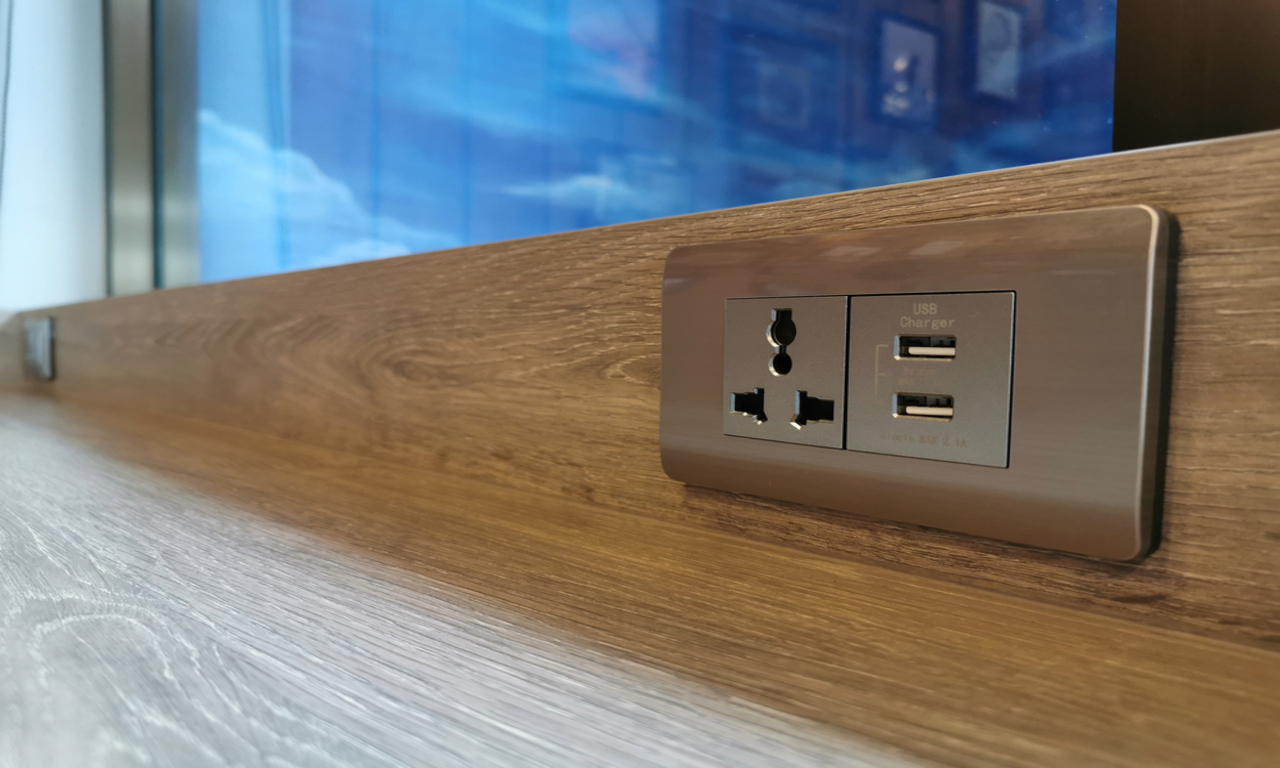
USB sockets can reduce clutter, but they’re not automatically the best solution in every room. This section helps you decide where they genuinely improve day-to-day life, and where a different approach may be better.
USB sockets are most useful when they reduce clutter: in the bedside, kitchen charging corner, and home office. Before choosing, consider what you actually need.
Do you want USB-A, USB-C, or both? Are you expecting fast charging, or just topping up? In some rooms, a plug-in fast charger can be the better choice when multiple devices charge at once.
If you want to browse options:
- Explore single sockets with USB
- Explore double sockets with USB-C
Example USB option: Elite Flat Plate double socket with USB-A and USB-C (antique brass, black trim)
Switches and sockets FAQs
These are the questions that come up most when people plan sockets and switching for a renovation. If you’re unsure about layout, dimming or USB choices, this section will help you decide.
How many sockets do I need per room?
Enough that you don’t rely on extension leads for normal life. Map furniture and devices, then add a buffer for future needs.
Are dimmers worth it?
Yes, as long as you plan compatibility properly and choose an LED-compatible dimmer that matches the lighting setup.
Why do LEDs flicker on dimmers?
Usually, incompatibility occurs between the dimmer and the LED driver/load. The fix is often selecting a proper LED-compatible dimmer with the correct load range.
Should I do the electrical work myself during a renovation?
This guide is for planning and selection. For installation and wiring, use a qualified electrician.
Discover switches and sockets
The best renovation upgrades are the ones you stop noticing, because they simply work. A little planning now saves you years of extension leads, awkward charging and “why did we put that there?” moments.
If you want to compare styles and options as you read, you can explore our switches and sockets range here: Discover our switches and sockets range.
Recent Posts
-
Switches and Sockets for Renovations: Layout, Finish and Function (Without Regrets)
Switches and sockets are the renovation choices you’ll notice every day. When they’re well planned, …23rd Mar 2026 -

Garden Spike Lights: A Simple Planning Guide for Modern Outdoor Lighting
Garden spike lights are one of the easiest ways to make an outdoor space feel considered after dark …23rd Mar 2026 -

The Garden After Dark: How 2026 Is Redefining Outdoor Lighting with Garden Spike Lights
By 2026, the most impressive gardens aren’t the brightest ones; they’re the quietest. Instead of fl …9th Feb 2026